Create your account
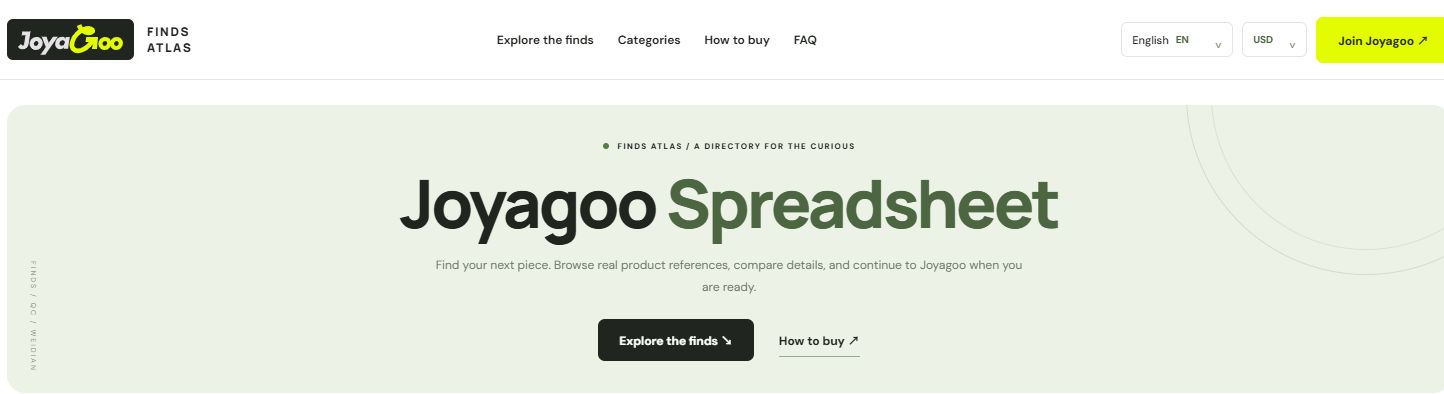
Use the registration button to open Joyagoo. Confirm that you are on joyagoo.com before entering account information.
Follow the numbers
Click Join Joyagoo at the top right of Finds Atlas. On the page that opens, check that the domain is joyagoo.com before entering account details.
On the registration screen, enter your own email, username and password as requested. Follow the displayed validation and read the terms before submitting.
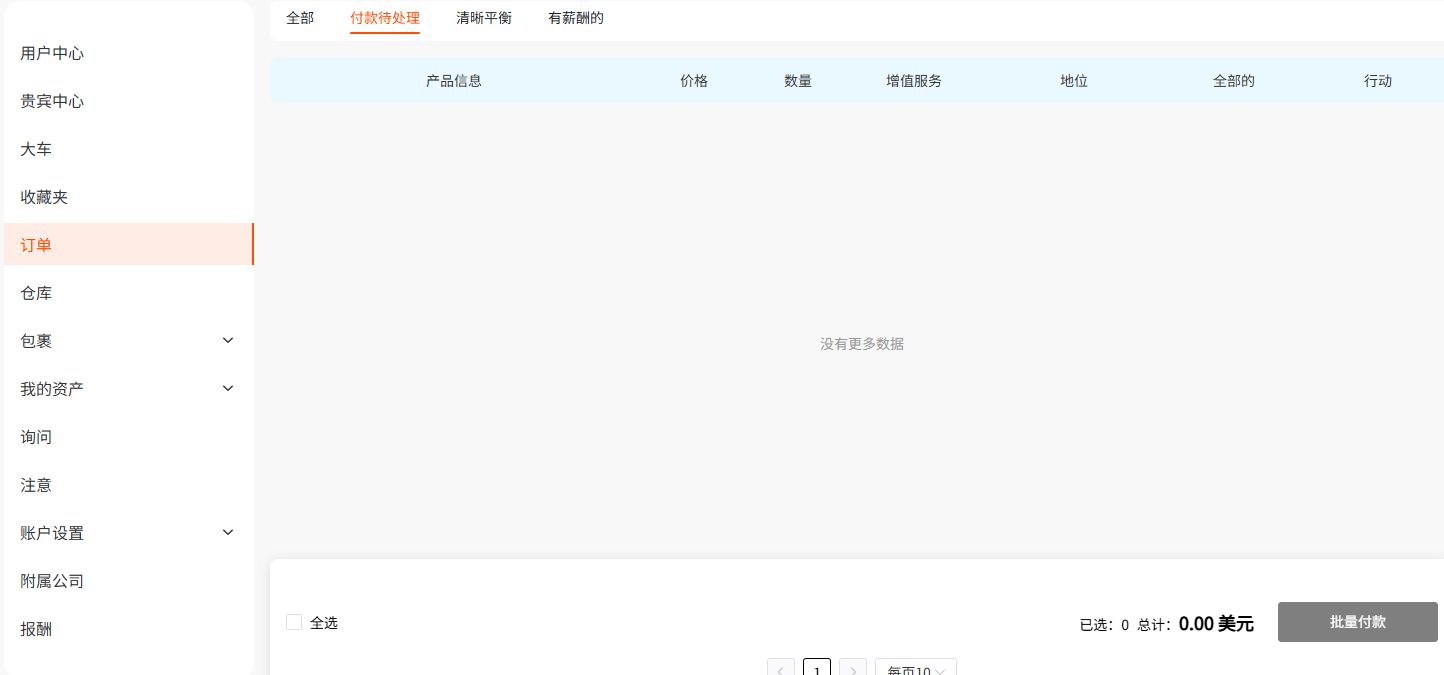
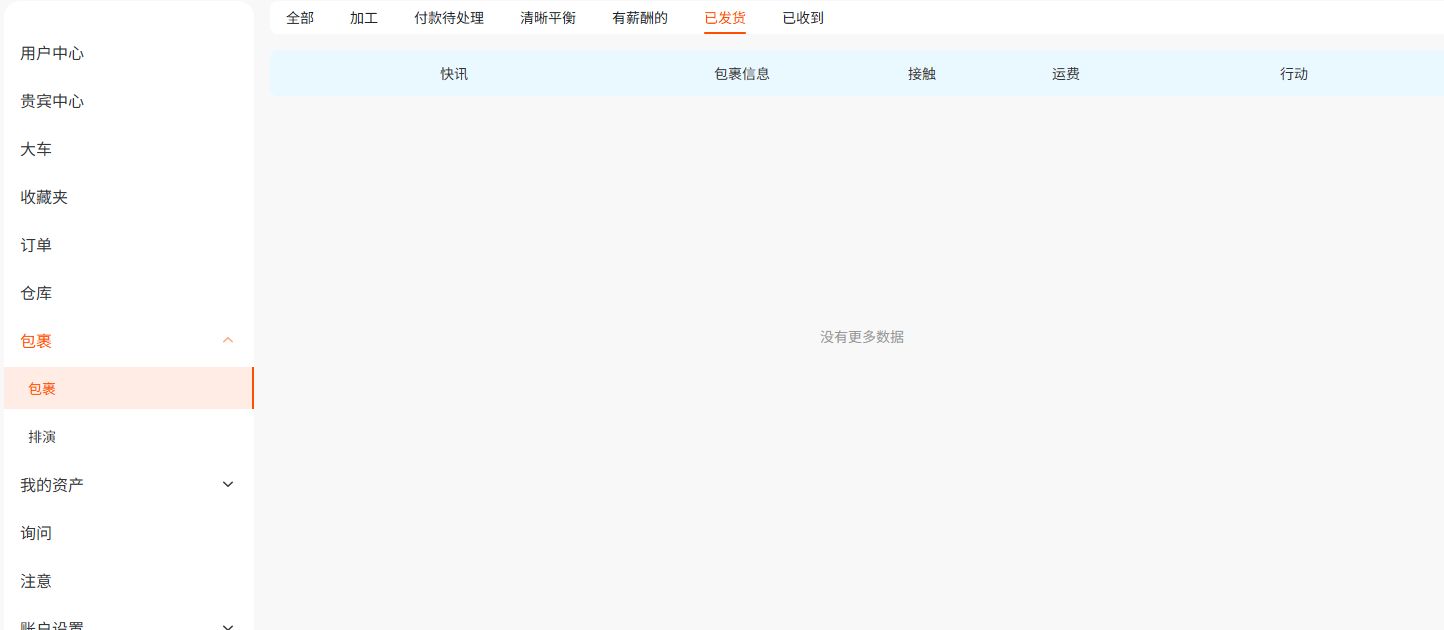
Complete email confirmation or verification only if prompted, then sign in. Open the avatar menu to find My account and My orders.
Ready for the next step
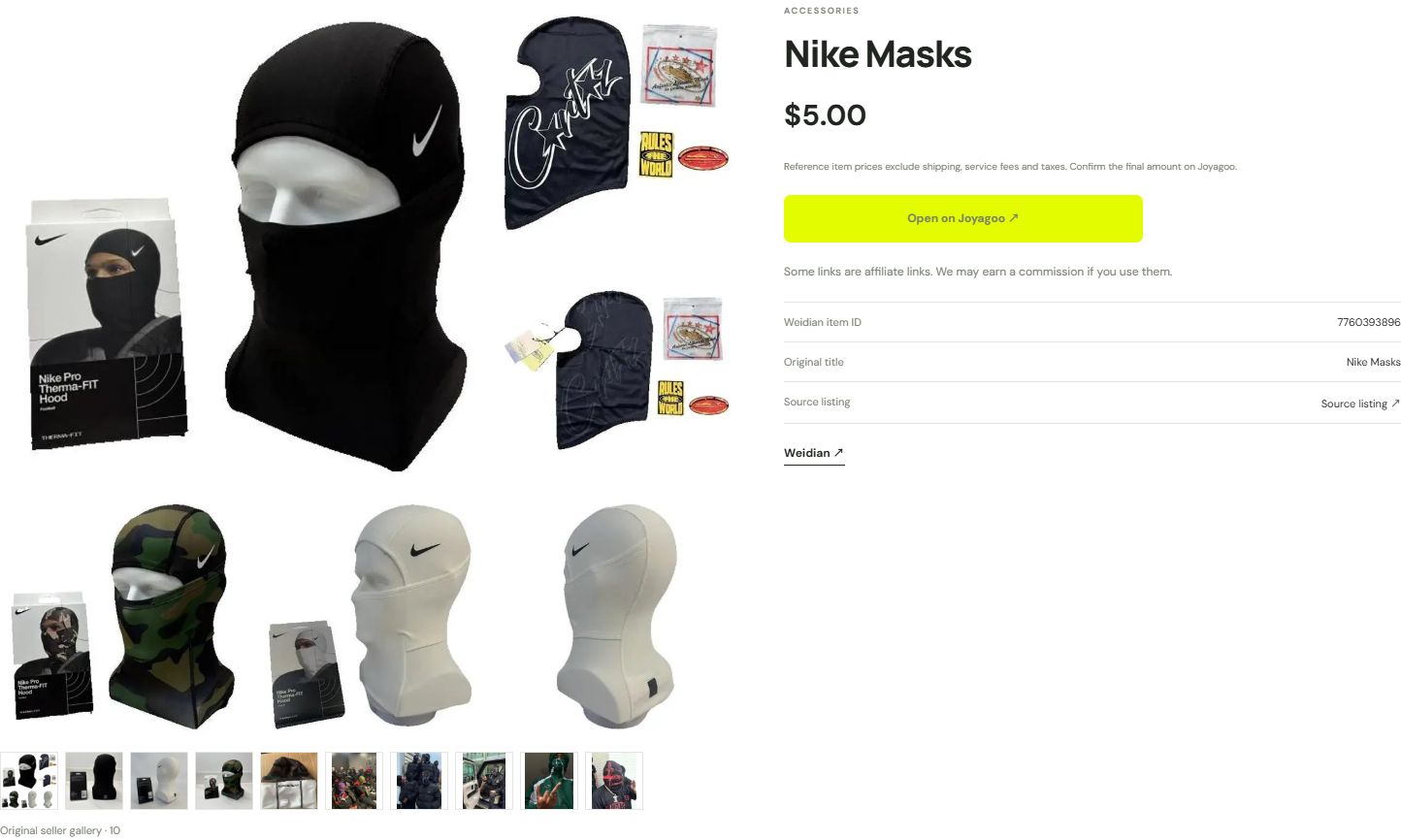
You can sign in and see your account menu; opening a product no longer asks you to sign in.
If something looks wrong
This screenshot shows the registration entry, not the form. An already signed-in account may open the homepage instead; this is normal.